FOR IPHONE & IPAD
AirMirror
for iPhone & iPad
Put your phone screen, favorite photos, and personal videos on a bigger display. AirMirror connects your iPhone or iPad to a compatible TV over Wi-Fi.
iOS 15 or later · Compatible TV required · In-app purchases
FEATURES
More room for everything you want to share.
From sharing a single photo to showing your screen, choose the way you want to watch together.
Share your phone screen
Bring presentations, browsing, and everyday apps to a compatible television with screen mirroring.
Give your photos more room
Choose pictures from your iPhone or iPad and share your albums on the TV with everyone in the room.
Play your own videos
Cast locally stored clips and personal videos to a compatible TV, with playback controls in the app.
Find screens on your Wi-Fi
Connect your phone and TV to the same local network, then discover available compatible devices from AirMirror.
Choose what to share
Open screen mirroring, photos, or videos to start the task you need from one iPhone or iPad app.
Connect across TV families
Use one sender app with supported models from Samsung, LG, Roku, Fire TV, Google TV, and other TV families.
HOW IT WORKS
From your phone to the big screen, in three steps.
- 01
Join the same Wi-Fi
Connect your iPhone or iPad and compatible TV or receiver to the same local network.
- 02
Choose how to share
Open AirMirror, allow Local Network access when prompted, and choose screen mirroring, photos, or videos.
- 03
Select your TV and start
Choose an available compatible TV or receiver, then follow the app’s prompts to share your screen or personal media.
COMPATIBILITY
Made for your iPhone. Ready for your TV.
Start with your iPhone or iPad and the television you already use. Check the receiving method for your exact TV model.
- Sending device
- iPhone or iPad running iOS / iPadOS 15 or later
- Smart TV families
- Supported Samsung, LG, Sony, VIZIO, TCL, Hisense, and Toshiba models
- Streaming devices
- Supported Roku, Fire TV, Google TV, and Chromecast devices
- Media receivers
- Compatible DLNA TVs and receiving devices for supported media playback
- Connection
- Phone and receiving screen on the same local Wi-Fi network
Available features depend on your TV model and connection method. DLNA media playback does not automatically provide full-screen mirroring. Some setups need a receiving app, and protected streaming content may block capture.
EVERYDAY SCENARIOS
Small moments deserve a bigger screen.
Make the television part of the moments you already share on your phone.
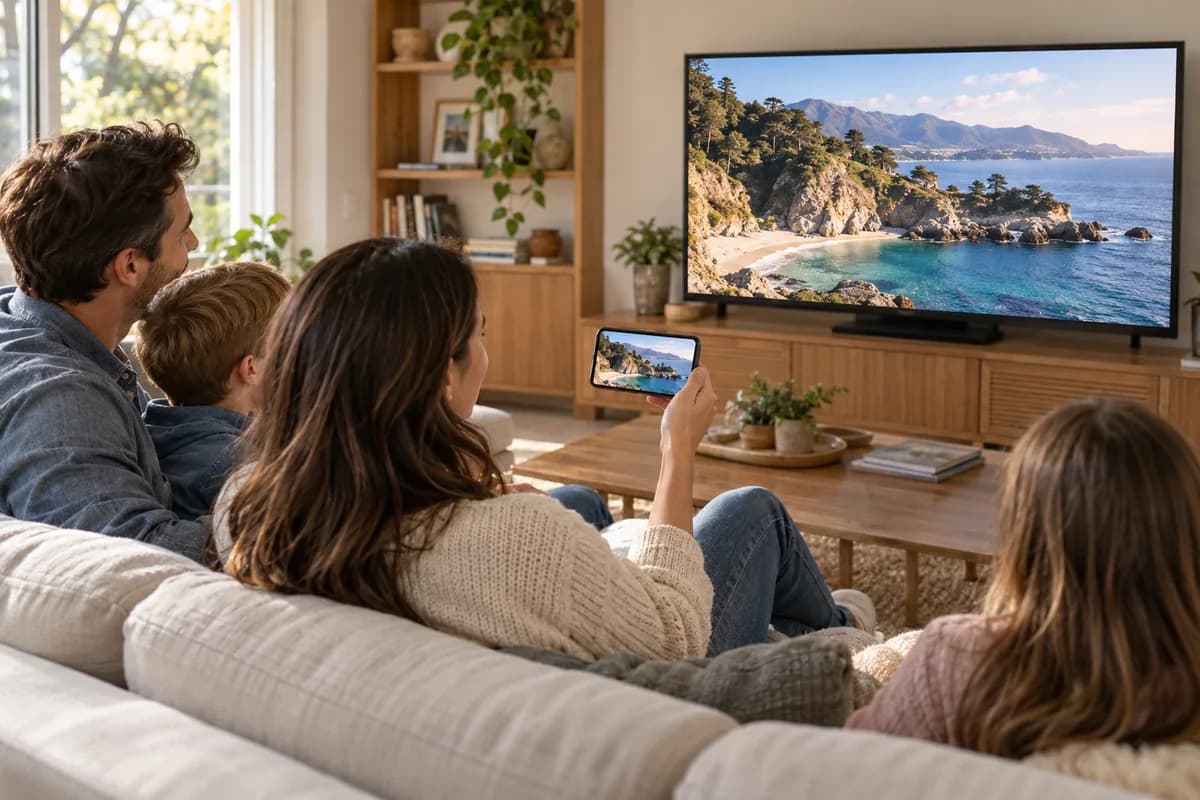
Relive the trip together
Browse vacation photos and personal video clips on the TV instead of passing a phone around.
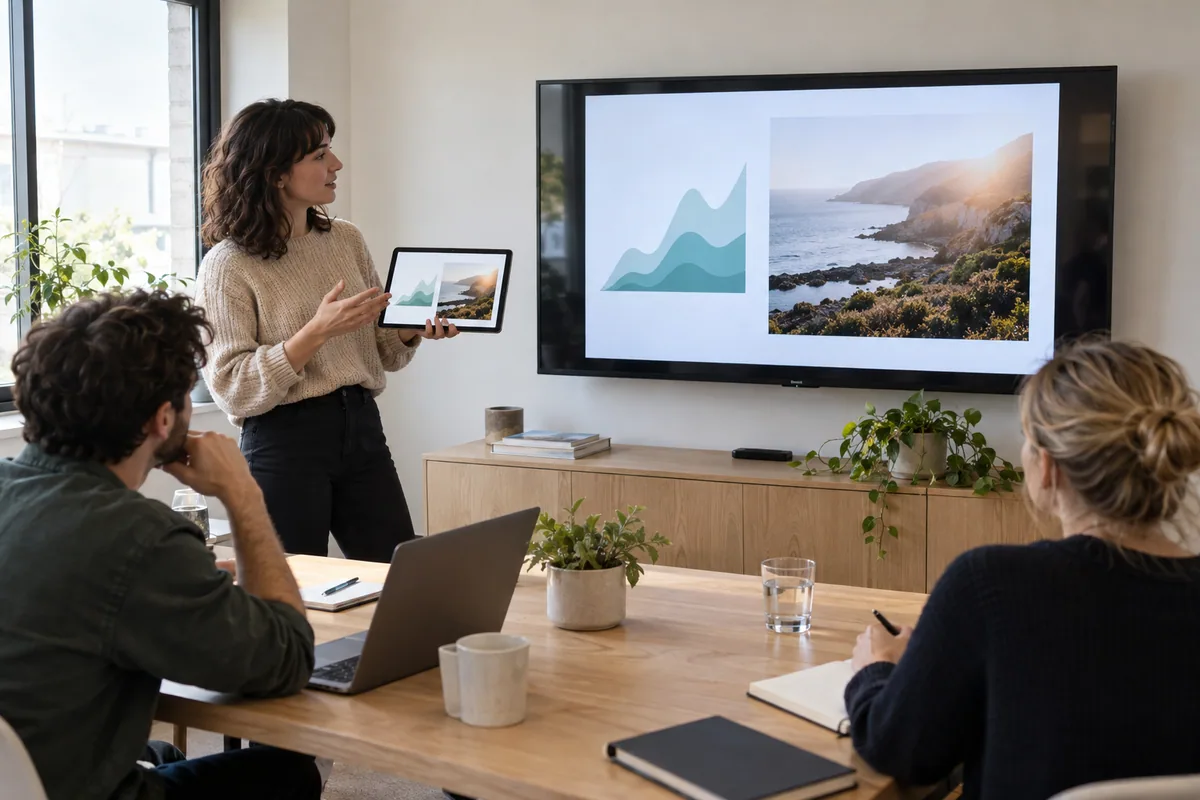
Give your ideas a larger screen
Share a presentation or show an app from your iPhone or iPad on a compatible display.
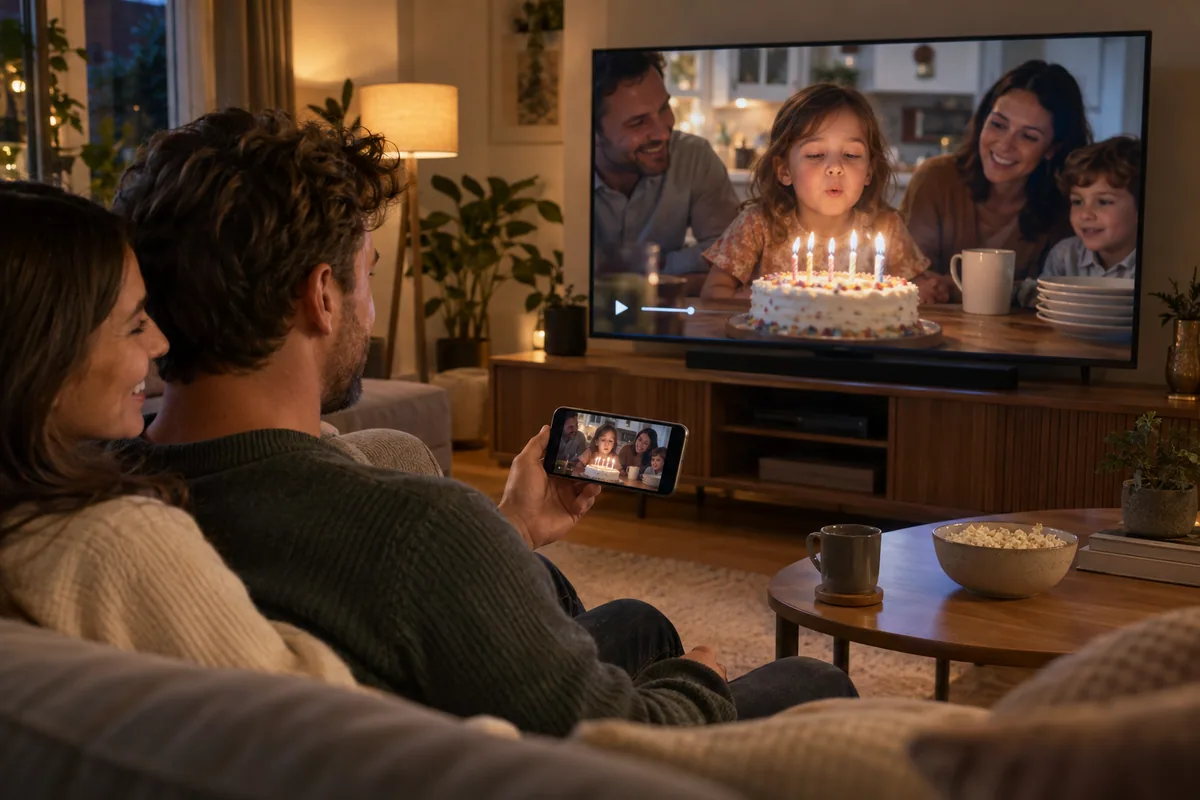
Watch the clips you made
Cast your locally stored family videos, creative projects, and favorite personal recordings.
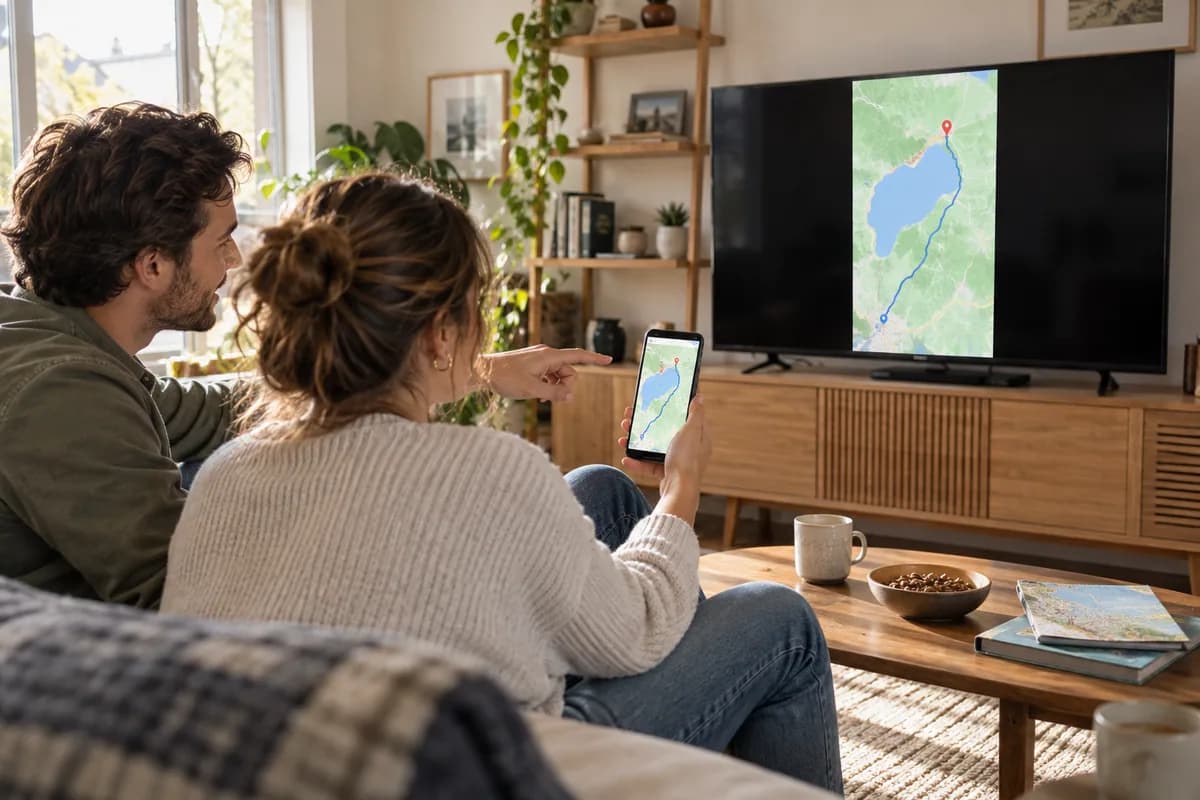
Let everyone see the details
Mirror a webpage, show something you found, or walk through an idea without crowding around your phone.
FAQ
A few answers before you cast.
What can AirMirror share from my iPhone or iPad?
The iOS app offers screen mirroring, photo casting, and local video casting to compatible TVs and receivers. The options available on your device depend on the TV model and connection method.
Does it work with every Samsung, LG, or Roku TV?
Support is model- and feature-dependent. A brand name in the compatibility list does not mean every model supports every sharing mode. Check your TV, try the intended task, and confirm any receiver requirements before choosing a paid plan.
Do my phone and TV need to be on the same Wi-Fi?
Yes. Keep the iPhone or iPad and receiving device on the same local network. Allow Local Network access for AirMirror on iOS when requested. Guest Wi-Fi or device isolation can prevent your TV from appearing.
Can I mirror Netflix, Disney+, or other protected streaming video?
Some streaming services block screen capture or external playback. AirMirror does not bypass those restrictions. Use the service’s TV app or another officially supported playback method for protected content; your own photos and unprotected local videos are a useful way to test a connection.
Is AirMirror for iOS free?
AirMirror is free to download and includes in-app purchases. Available features, offers, and subscriptions are shown in the app and your local App Store. Free download does not mean unlimited access to every feature.
YOUR NEXT BIG-SCREEN MOMENT
Your iPhone. A bigger picture.
Get AirMirror for iPhone and iPad, connect to a compatible TV, and start sharing your screen and personal media.