Screen Mirroring Has Sound but No Picture: Diagnose It
TL;DR: Leave the connection active and show the phone Home Screen or computer desktop. If that appears, but one video is black, the app, codec, or DRM policy is the likely boundary. If no interface appears, verify the TV input, mirror-versus-extend mode, receiver session, and software before touching advanced display settings.
Match the Symptom to the Layer
This guide covers iPhone, Android, and Windows symptoms. For an iPhone-specific black receiver with local-media tests, use the existing iPhone black-screen guide instead of repeating those steps.
| Result | Likely layer | Next test |
|---|---|---|
| TV menu/volume bar is also invisible | Panel, backlight, or display fault | TV support/display diagnosis |
| TV menu appears; receiver/input is black | Receiver, selected input, or HDMI chain | Reopen receiver/check input |
| Desktop appears, video window is elsewhere | Extended display | Move window or choose Duplicate |
| Home Screen appears, one video is black | App/codec/DRM | Local unprotected video |
| Nothing from any source appears | Receiver/session/software | Reopen receiver and reconnect |
| Picture flashes, then vanishes | Transport or display negotiation | Restart and update both endpoints |
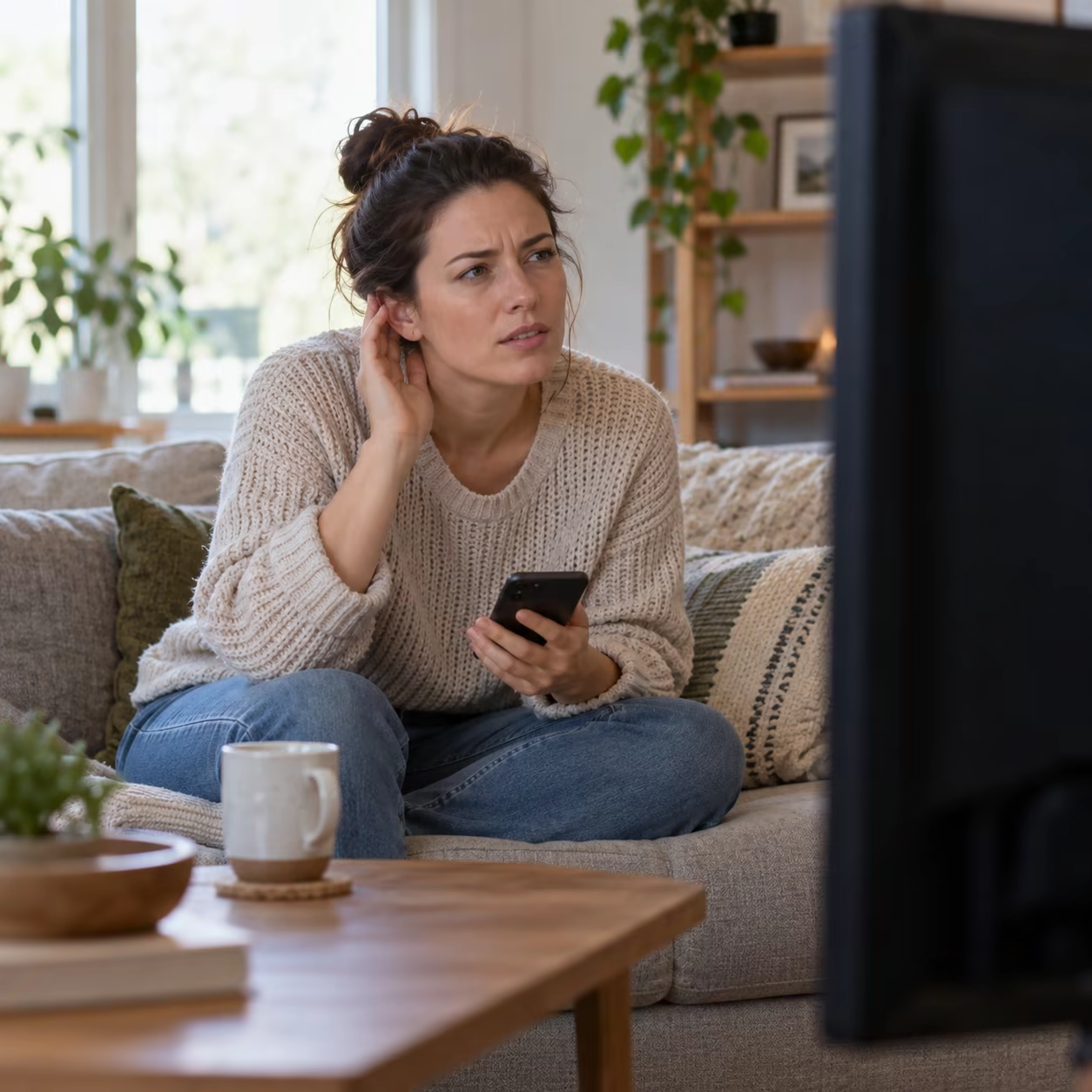
Run Seven Checks in Order
1. Prove the TV Can Draw a Picture
Open a TV menu or volume bar. If that on-screen display is also invisible while sound works, suspect the panel, backlight, or another TV display fault and use model-specific support. If the menu appears but the selected receiver or input remains black, the panel works; reopen the wireless receiver, verify the selected input, or inspect the external receiver's HDMI and power chain.
2. Show the Entire Source Interface
Return to the phone Home Screen or computer desktop. Do not begin with a subscription movie. A visible interface proves that the receiver is decoding at least the basic mirror stream.
3. Check Mirror Versus Extend on Windows
Press Windows + P and choose Duplicate if you want the TV to show the primary desktop. In Extend mode, audio may go to the TV while the video window remains on the laptop or another virtual desktop. Move the window with Windows + Shift + Left/Right Arrow if you intend to keep Extend.
4. Test Local, Unprotected Media
Play a locally stored photo and video. If local media works but Netflix, another paid service, or one app stays black, stop changing the router. Use that service's official TV app or supported AirPlay/Cast path.
DRM can block mirrored video while audio or controls remain available. AirMirror does not bypass DRM, and a wired adapter is not guaranteed to bypass an app's output rules.
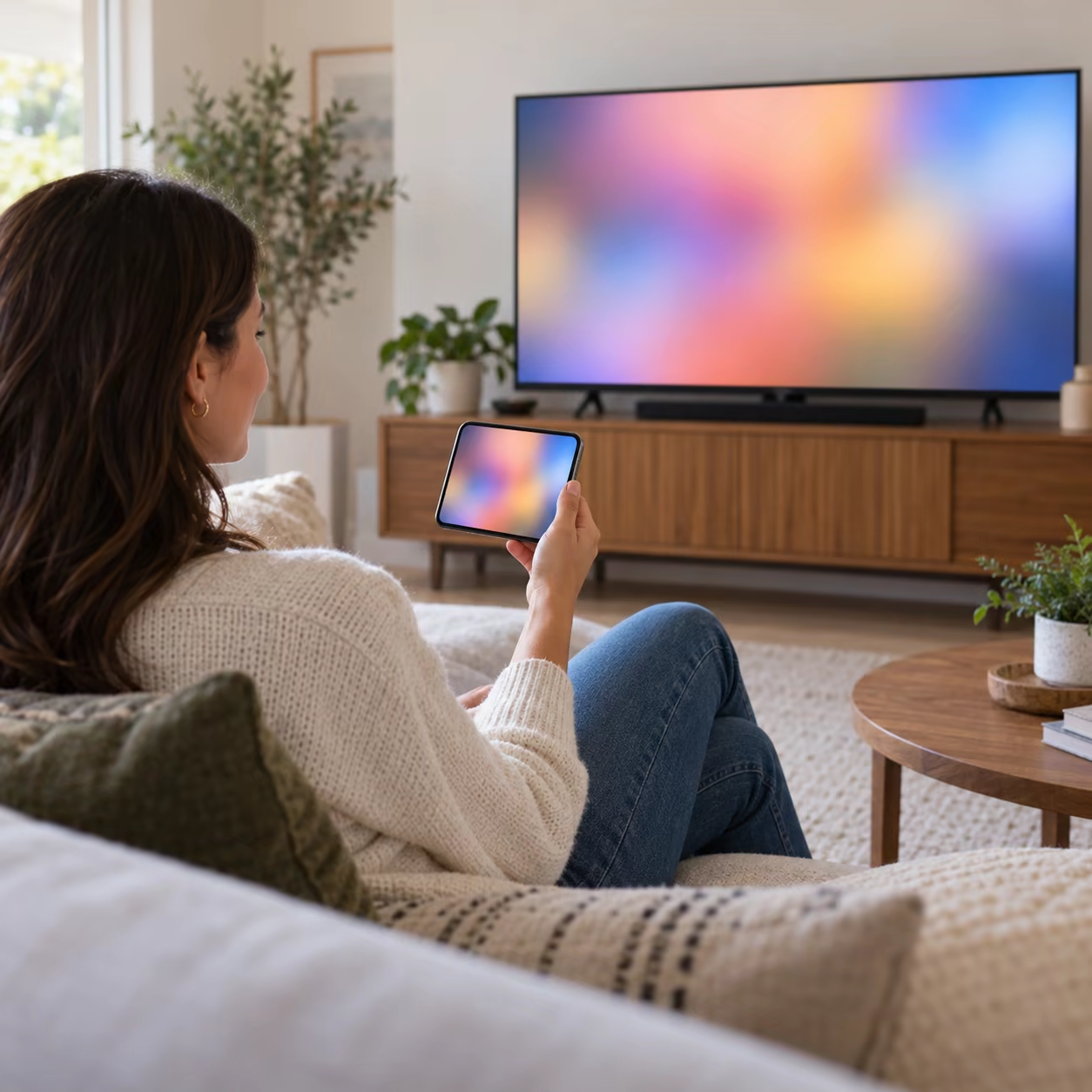
5. Reopen the Correct Receiver
Stop mirroring. Reopen the TV's Wireless Display, Screen Mirroring, AirPlay, or receiver-app screen, then reconnect using the matching protocol. Bluetooth is an audio path, not a general video-mirroring replacement.
AirMirror is an Android TV receiver for compatible iPhone, iPad, and Mac mirroring over the local network. It does not turn an unsupported TV input into Miracast or solve an Android sender/receiver protocol mismatch.
6. Restart and Update Both Ends
Restart the source and TV or receiver. Install system, TV firmware, graphics-driver, and receiver-app updates as applicable. On Samsung Smart View, approve the TV request and keep both devices on the same network; Samsung also notes that DRM-protected content cannot be mirrored.
7. Change One Variable
Try a second source on the same TV or the same source on another receiver. This identifies the failing endpoint. Use HDMI only as a separate diagnostic path and ensure the adapter, cable, port, and content protection chain are compatible.
When to Stop Troubleshooting
If TV-native menus are black, arrange TV support. If only one protected app is black, use its supported playback route. If every local source fails through one receiver but works elsewhere, collect model and software versions and contact the receiver vendor rather than factory-resetting the TV.
Record whether the failure affects menus, the desktop, local files, or one app. That small symptom log prevents support from repeating irrelevant network steps.
Screen Mirroring Sound but No Picture FAQ
Why does my AirPlay have sound but no picture?
Test the Home Screen and local media. If those display, the original app or protected content is the boundary; if they do not, restart and update the AirPlay receiver.
Why is my TV screen black but I can hear sound?
First open a TV menu. If that is black too, the issue is the TV/display path; if the menu works, check the mirroring receiver, source mode, and content.
Why does Windows wireless display play sound with a black screen?
Press Windows + P and choose Duplicate, then test the desktop and a local video. If the desktop appears but only one app is black, use that app's supported playback method.