Screen Mirroring No Sound on TV: Android and Windows Fixes
TL;DR: First play a TV-native app to prove the TV audio path works. Then mirror a local video with known sound. On Android, raise media volume, disconnect Bluetooth audio, and reconnect Smart View or Miracast. On Windows, select the wireless display under Settings > System > Sound > Output and check the app in Volume mixer. If TV speakers work but a soundbar is silent, troubleshoot ARC/eARC or optical routing separately.
Find Where the Audio Stops
This guide focuses on Android Smart View/Miracast and Windows wireless display. For iPhone and AirMirror receiver steps, use the separate iPhone screen-mirroring no-sound guide.
| Test result | Likely fault | Start here |
|---|---|---|
| TV-native app is also silent | TV or external-audio path | Unmute and select TV speakers |
| Android local video is silent only when mirrored | Phone output or mirror session | Media volume, Bluetooth, reconnect |
| Windows picture works but sound stays on PC | Windows output routing | Select TV/wireless display |
| TV speakers work; soundbar does not | ARC/eARC, optical, or soundbar input | Test TV speakers, then rebuild chain |
| One app is silent; local video works | App volume or playback restriction | Volume mixer/official TV app |
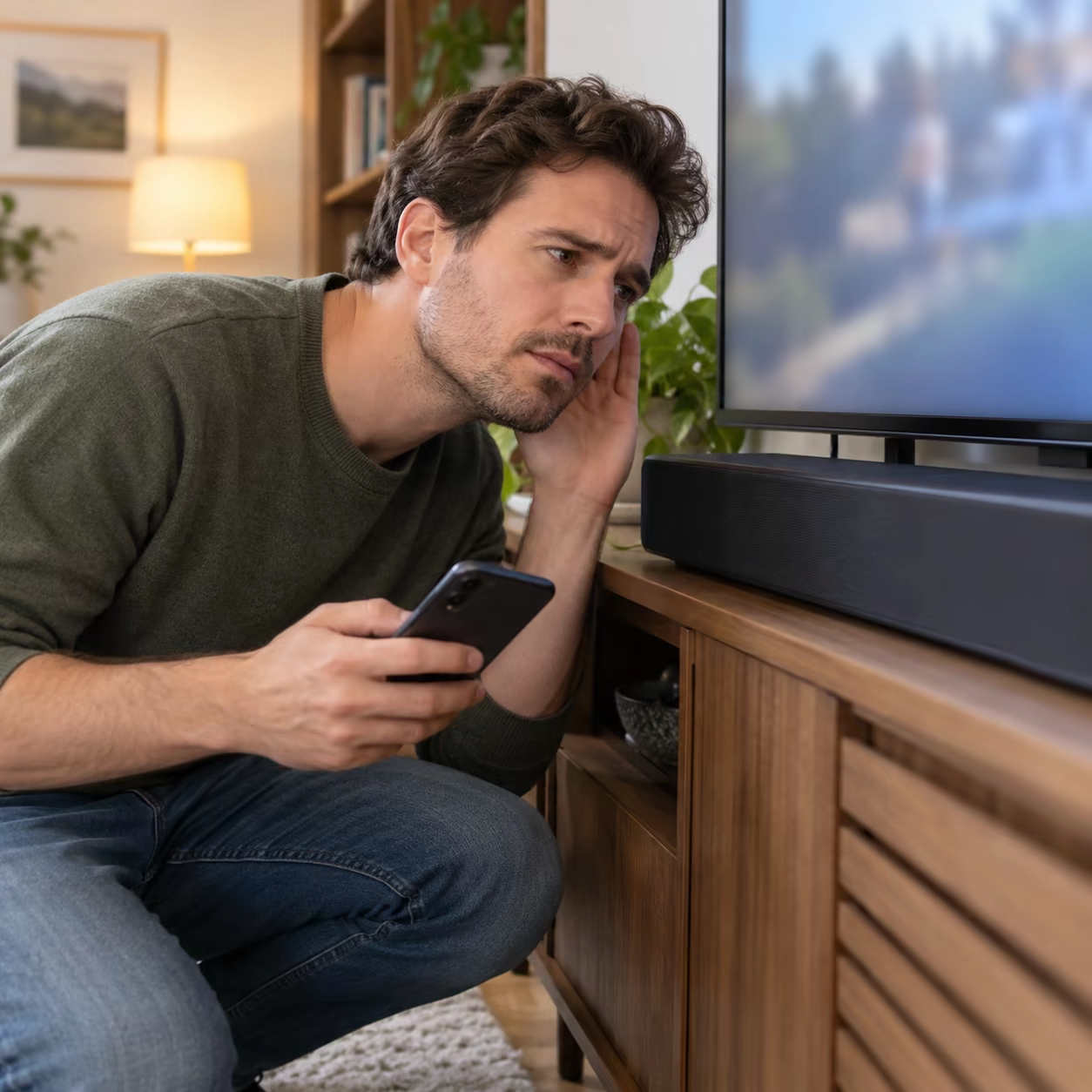
Fix Android Smart View or Miracast Audio
1. Prove the TV Speakers Work
Play a TV-native app, channel, or another known source. Unmute the TV and temporarily select its internal speakers. If that source is silent too, the mirroring session is not the root cause.
2. Test a Local Video
Mirror a locally stored video that definitely contains audio. Do not begin with a muted social clip or subscription stream. If local media has sound but one service does not, use that service's supported TV app, Cast button, or other documented playback route.
3. Check Android Media Output
Raise media volume while the video plays. Open the phone's media-output or connected-device panel and disconnect earbuds, a car, hearing devices, or a Bluetooth speaker. Ringtone volume does not control video playback.
On Samsung Galaxy, stop Smart View, reopen the TV's receiver, then connect again and approve Allow on the TV. Samsung's current Smart View troubleshooting requires compatible devices on the same network and recommends restarting both endpoints when the session misbehaves.
Android labels vary by manufacturer and version. Smart View, Wireless Display, Screen Cast, and Screencast may use Miracast-style mirroring, while a plain Cast control can mean Google Cast. Reconnect with the protocol the TV actually supports.
4. Restart and Update the Correct Endpoints
Stop mirroring, restart the phone and TV or receiver, reopen the receiver screen, and reconnect. Install phone software, exact-model TV firmware, and receiver-app updates. Avoid factory resets until a second Android device fails on the same receiver.
Fix Windows Wireless Display Audio
1. Select the TV as Output
Connect with Windows + K. While the picture is active, open Settings > System > Sound and choose the TV or wireless display under Output. Microsoft's wireless-display instructions confirm that Windows uses Miracast for compatible external displays.
If the TV is absent from Output, disconnect it, restart both endpoints, and reconnect. Update the PC manufacturer's Wi-Fi, graphics, and audio drivers; all three can affect a Miracast session.
2. Check the App in Volume Mixer
Go to Settings > System > Sound > Volume mixer. Confirm that the app is not muted and that its output is the TV rather than laptop speakers or headphones. Windows can route one app differently from the system default.
Test a browser clip and a local media file. If system sounds reach the TV but one app remains silent, its per-app volume, output selection, codec, or playback policy is the narrower fault.
Fix Soundbar, ARC, or eARC Routing
Switch the TV to internal speakers. If mirrored audio returns, the phone or PC session is working and the fault sits after the TV.
Reconnect the soundbar using the ports labeled ARC or eARC on both devices, choose the matching sound output in the TV menu, and select the correct soundbar input. For optical audio, remove the connector caps, seat the cable fully, and select optical output. Menu names and HDMI-CEC requirements vary by exact TV and soundbar model, so use both manuals.
Once basic sound works, re-enable advanced formats one at a time. A factory reset is a poor first response to a soundbar on the wrong input.
Screen Mirroring No Sound on TV FAQ
Why does Smart View show video but no sound?
Media audio may still be routed to the phone or a Bluetooth device. Raise media volume, disconnect other audio outputs, restart Smart View, and test a local video.
How do I send Windows wireless-display sound to my TV?
Connect the display, open Settings > System > Sound, and select the TV under Output. Also check the affected app under Volume mixer.
Why does mirroring have sound through TV speakers but not my soundbar?
That result isolates the problem to the TV-to-soundbar path. Verify the ARC/eARC or optical connection, TV sound-output setting, soundbar input, and model-specific HDMI-CEC requirements.