AirPlay vs Casting vs Screen Mirroring
TL;DR: AirPlay is Apple's wireless technology and can stream selected media or mirror a full Apple-device screen. App-level media casting sends one supported item to a receiver while the phone acts as a controller. Screen mirroring reproduces the whole source display. Cast or stream a supported movie; mirror an app, website, or presentation.
In this guide, casting means app-level media casting, such as tapping Google Cast inside YouTube. It does not mean Android's screen-casting control or casting a Chrome tab.
Compare the Three Options
| Feature | AirPlay | App-level media casting | Screen mirroring |
|---|---|---|---|
| What it is | Apple's wireless technology | A supported app hands media to a receiver | A live copy of the device display |
| TV shows | Selected media or the whole screen | The selected video, song, or photo | Everything visible on the source |
| Phone behavior | Controller for media; followed by TV when mirroring | Remains a controller and can often do other tasks | TV follows device actions |
| Best for | Apple senders and compatible receivers | Supported long-form media | Slides, apps, websites, and demonstrations |
| Main limit | Receiver and app compatibility | App and receiver must support the same Cast system | More privacy exposure, processing, and latency |
AirPlay and Screen Mirroring are not competing protocols. On iPhone, the built-in Screen Mirroring control uses AirPlay. AirPlay can also send a supported media item without reproducing the entire display; Apple documents these as separate AirPlay workflows.
When to Use AirPlay
Use AirPlay when an iPhone, iPad, or Mac needs to send media or its display to an Apple TV, an AirPlay-compatible television, or another verified receiver.
- Tap an app's AirPlay control for supported media.
- Use Control Center > Screen Mirroring for the full display.
AirPlay support depends on the exact receiver and function. An Android TV without native AirPlay can run AirMirror Receiver. See how to mirror iPhone to Android TV for setup.
When to Use App-Level Casting
Use app-level casting when the sender app and TV support the same system, such as Google Cast. The receiver handles the selected media and the phone supplies playback controls. Google's Cast guidance describes the sender as a controller rather than a duplicate display.
This suits supported movies or music because unrelated apps stay off the TV. An iPhone can use Google Cast from a Cast-enabled app, but that does not provide native full-screen mirroring.
On iOS 14 or later, a Cast-enabled app may require Local Network permission. Keep sender and receiver on the same home LAN; compare Wi-Fi names only when discovery fails.
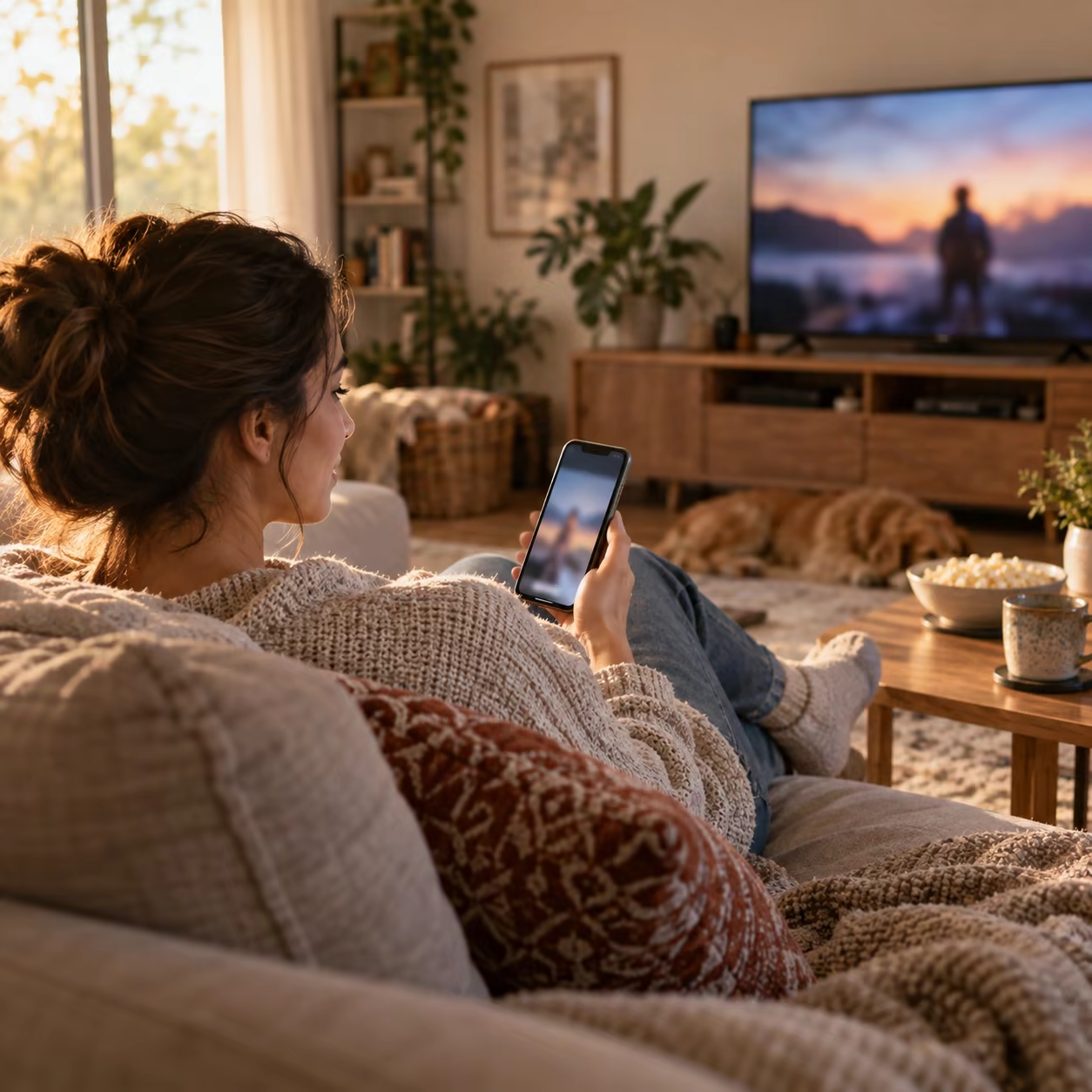
When to Use Screen Mirroring
Choose screen mirroring when viewers need to follow the interface itself:
- app, website, or settings demonstrations;
- slides, documents, or photo browsing;
- content without a supported media-output button.
The source device must keep producing the live display stream, and everything visible—including notifications—may appear on the TV. Enable Focus or Do Not Disturb before presenting.
Miracast is a separate mirroring technology used by Windows and some Android devices and TVs. iPhone does not natively send its screen over Miracast; it needs AirPlay, a compatible receiver workflow, or HDMI.
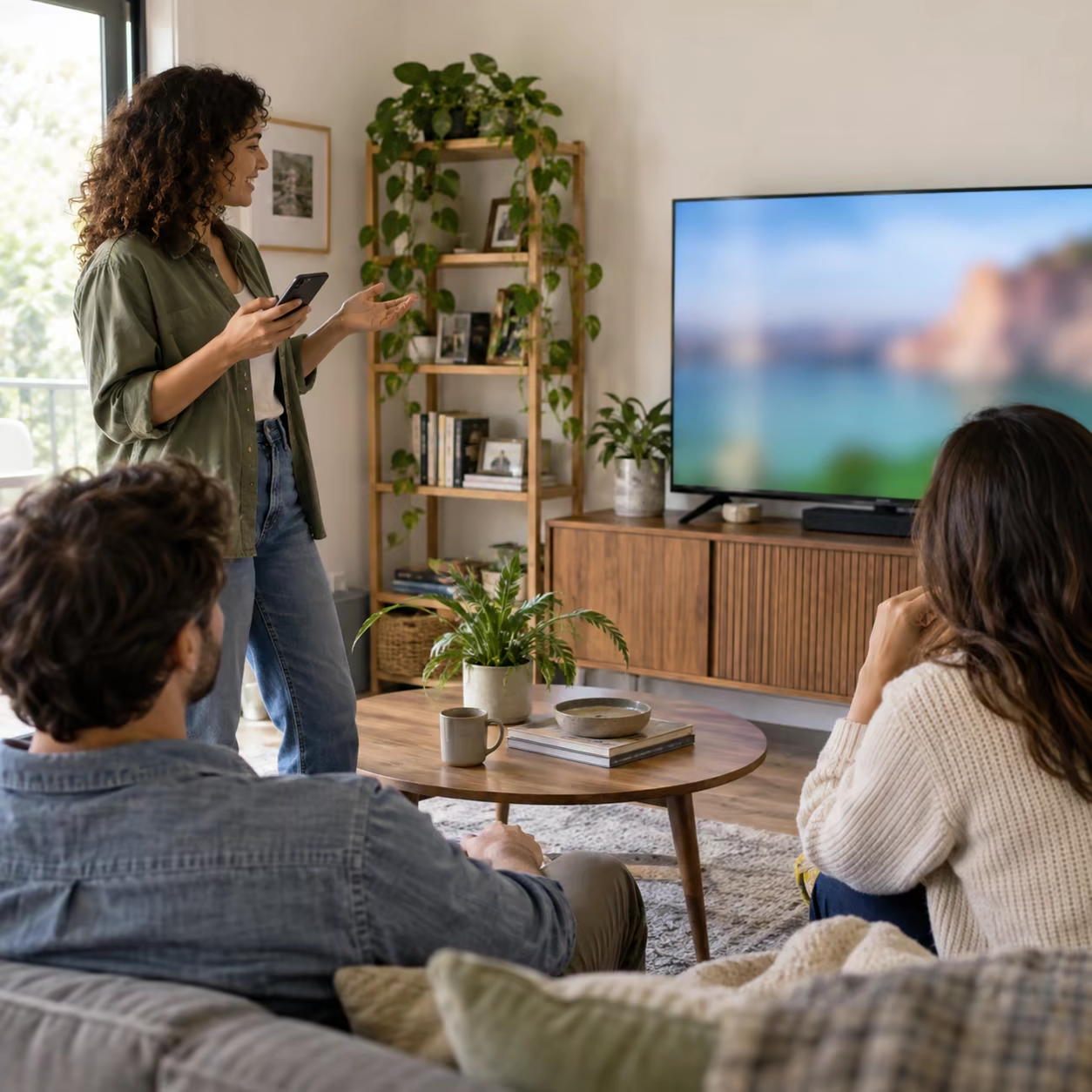
Choose by Task
| Goal | Start with |
|---|---|
| Watch supported video or play music | App-level Google Cast or media AirPlay |
| Show the entire iPhone display | AirPlay Screen Mirroring or AirMirror Receiver |
| Demonstrate an app or presentation | Screen mirroring |
| Keep notifications and other apps private | App-level casting |
| Minimize wireless uncertainty for local content | Compatible HDMI adapter |
If a receiver never appears, use the TV discovery guide. If a connected session stutters or drops, follow the disconnect and lag fixes.
DRM rules still apply. A service may block screen capture, AirPlay, or an external display; none of these methods guarantees protected-video playback.
AirPlay vs Casting vs Screen Mirroring FAQ
What is the difference between casting and mirroring?
Casting hands selected media to a compatible receiver while the phone acts as a controller. Mirroring reproduces the entire source display, including app changes and notifications.
Is Screen Mirroring considered AirPlay?
On iPhone and iPad, Apple's built-in Screen Mirroring uses AirPlay. Screen mirroring is also a general display mode that other platforms can implement with different technologies.
Why can't I cast from my phone to the TV?
The app may not support the receiver's Cast system, or local discovery may be blocked. Verify a Cast-enabled app, compatible receiver, the same home LAN, and Local Network permission on iPhone where requested.
How do you know if your phone is casting to a TV?
In a Google Cast app, the Cast icon becomes connected and the app shows playback controls. During iPhone full-screen mirroring, Control Center instead shows an active Screen Mirroring receiver.